
Debugging
Since all logic runs in ABAP, you can debug everything in the ABAP environment. Set an external breakpoint, because abap2UI5 apps are called externally via HTTP.
Backend
Set a breakpoint in your abap2UI5 app to debug the code. Check that the XML view builds correctly and that all events fire on the backend as expected.
Frontend
On the frontend, abap2UI5 behaves like a standard UI5 app, so the usual tools and debugging features work.
Developer Tools
Press Ctrl+F12 to open the built-in Developer Tools of abap2UI5:
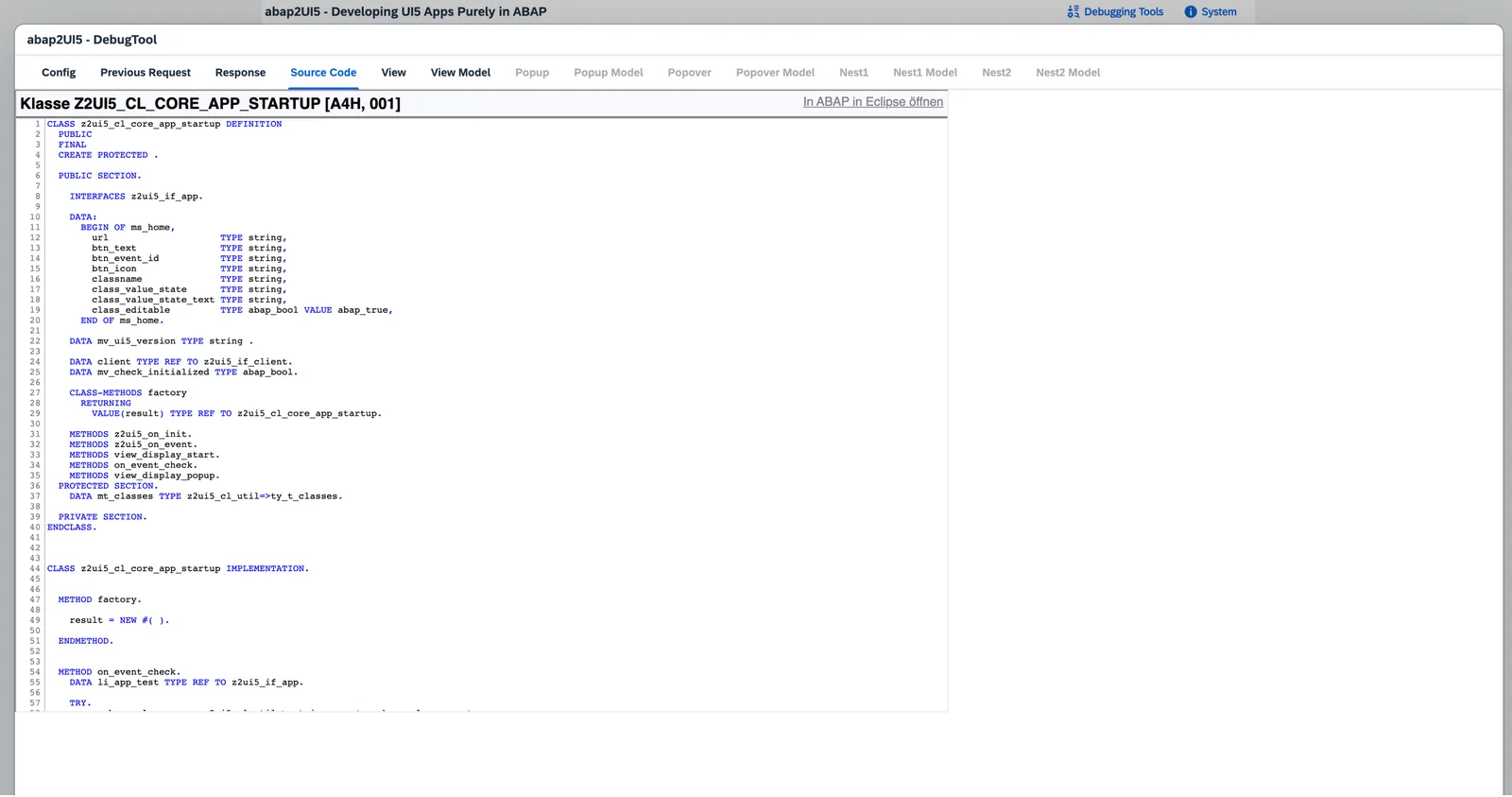 Six tabs cover the whole roundtrip: Overview, Problems, Roundtrips (each request and its response), View & Data (the rendered XML and the model of the slot you pick — main, popup, popover, nested), System and Search.
The footer offers Retry, Restart, Logout, a jump to ADT, Copy, Report a Bug and an Export that bundles everything — including the running app's ABAP class source — into one blob you can attach to a bug report. Error popups also carry a copy-to-clipboard button for the same purpose.
UI5 Inspector
Another option: the SAP default debugging tool, the UI5 Inspector.
Issues
If your code looks correct but you suspect a bug in the abap2UI5 framework, build a minimal sample that reproduces the bug and open an issue on the abap2UI5 repository — we'll investigate and fix it.