 abap2UI5
UI5 apps for ABAP,
built by the team you already have
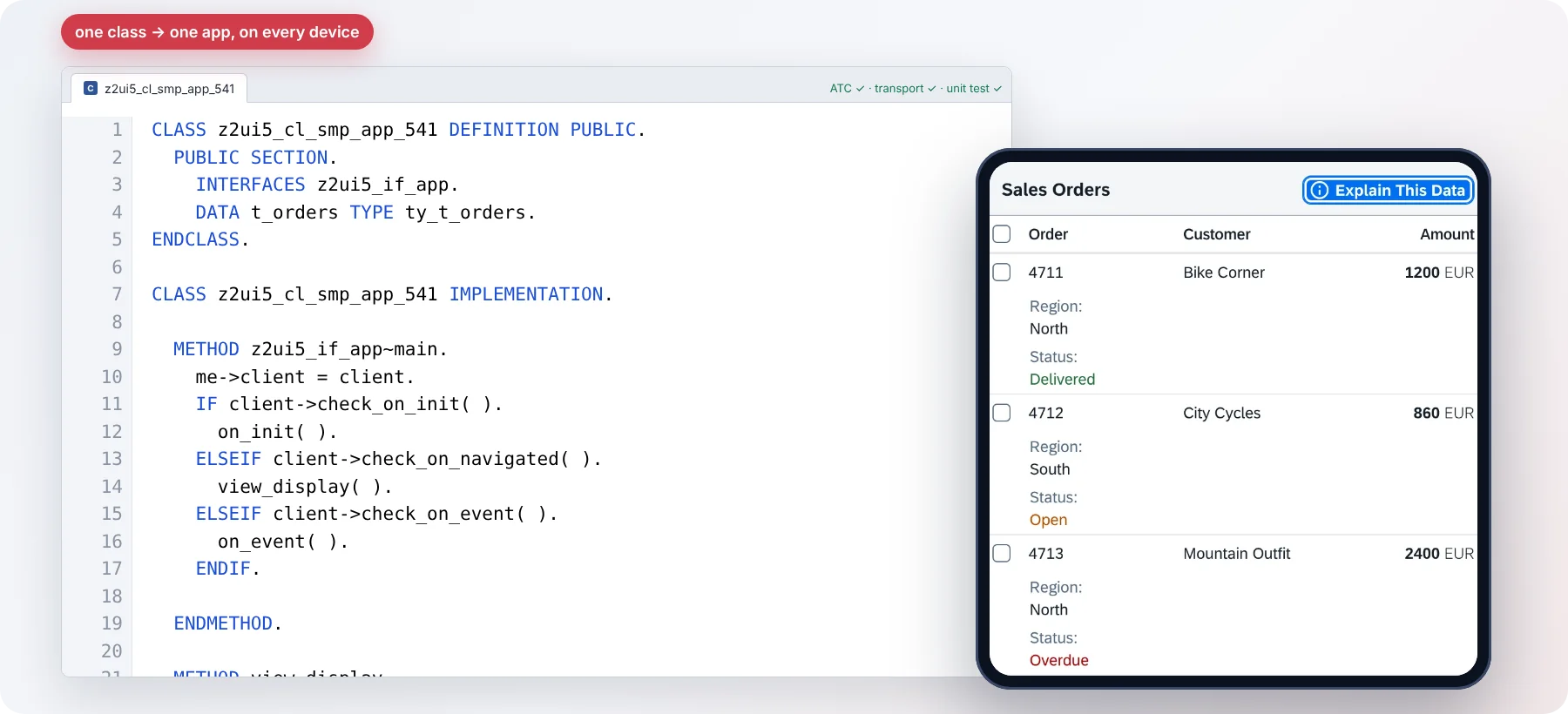
An app is a regular ABAP class, nothing more: written in ADT or SE80, checked by ATC, carried by a transport, as every ABAP developer does it today. The business logic stays in ABAP, next to the data: no JavaScript, no extra platform, no license fee. Open source since 2023, in production on the desktop and on the warehouse floor.
- 0 €license fees, for any number of users, systems and apps
- 1 classper app, a regular one: ATC, transport, unit test, the logic in ABAP
- 7.02 → Cloudcloud ready: every SAP release, from one source
- Since 2023open source on GitHub, MIT, every release listed
- 25+contributors, from several companies
What you can build
Every process in SAP that needs a screen
Whatever runs on paper, in Excel or in SAP GUI today becomes a browser app, built in your own system by your own team. Each card opens a running example.
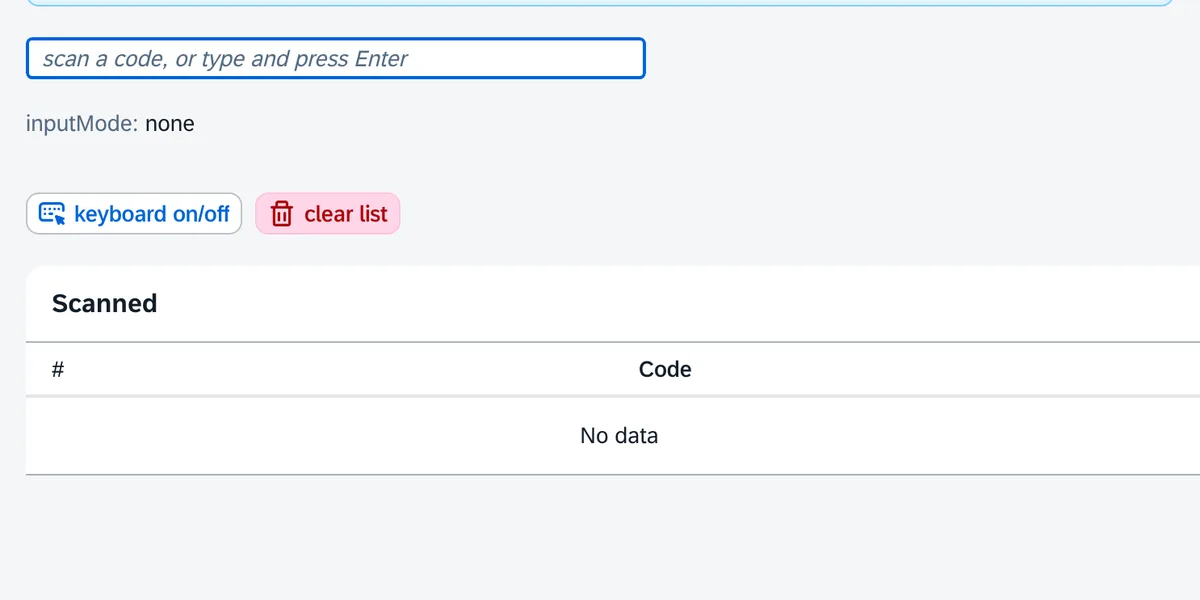
Warehouse & logistics
Goods receipt, picking, stock transfers and counts on scanners, handhelds and tablets, with the device's barcode scanner and camera.
See the example app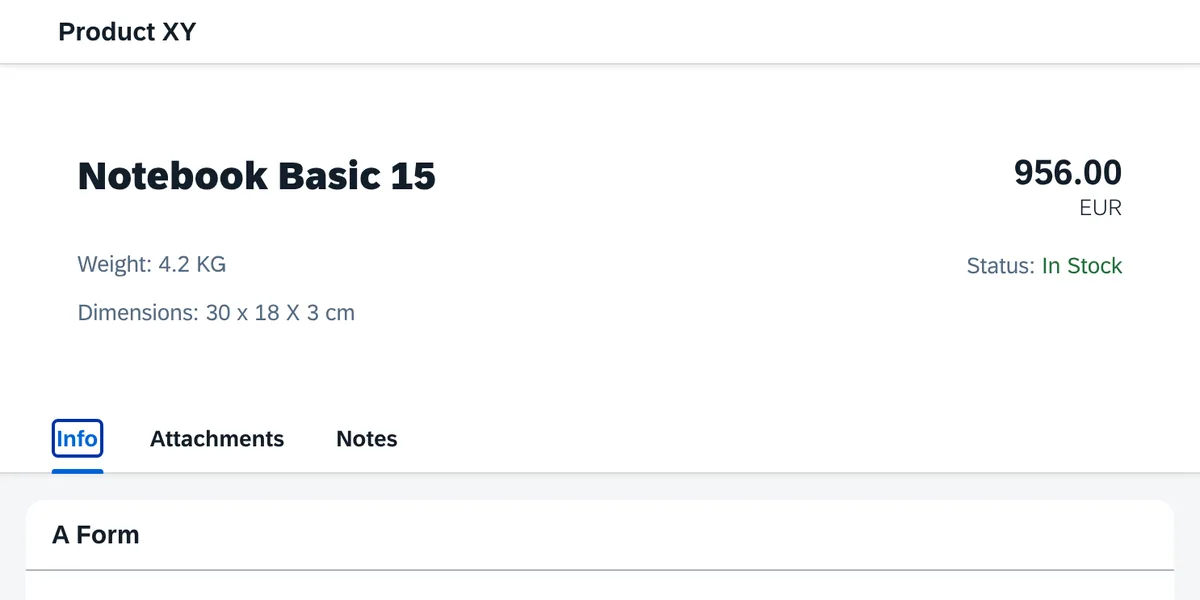
Maintenance & service
Work orders, notifications and checklists for technicians, in the workshop or at the machine.
See the example app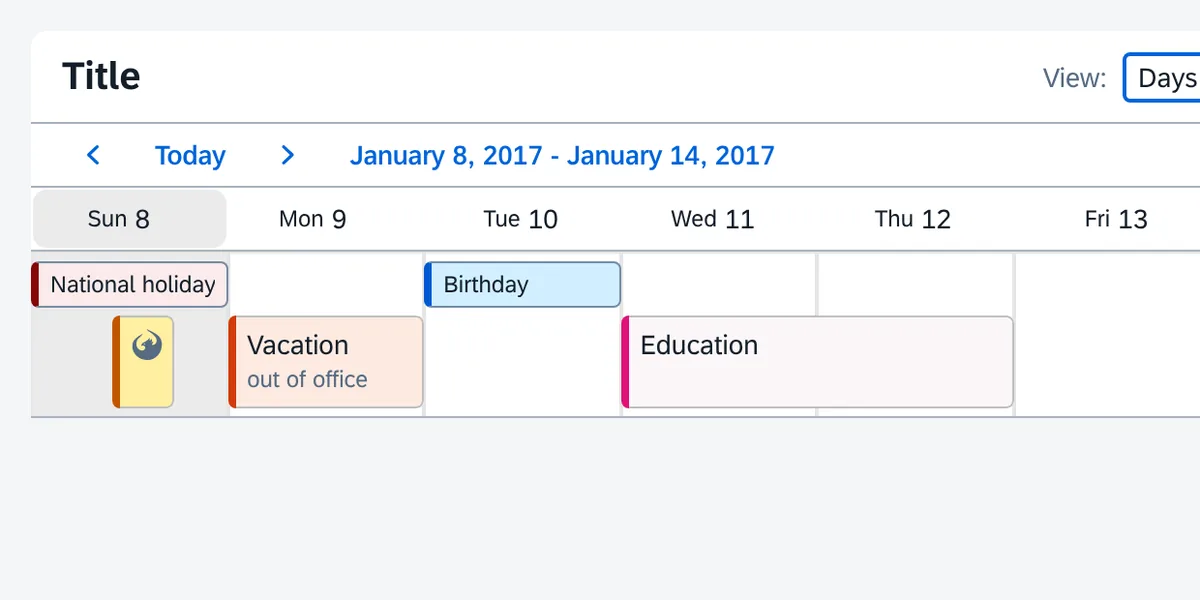
Production & shop floor
Confirmations, quality inspections, shift plans and the special processes the standard never covered.
See the example app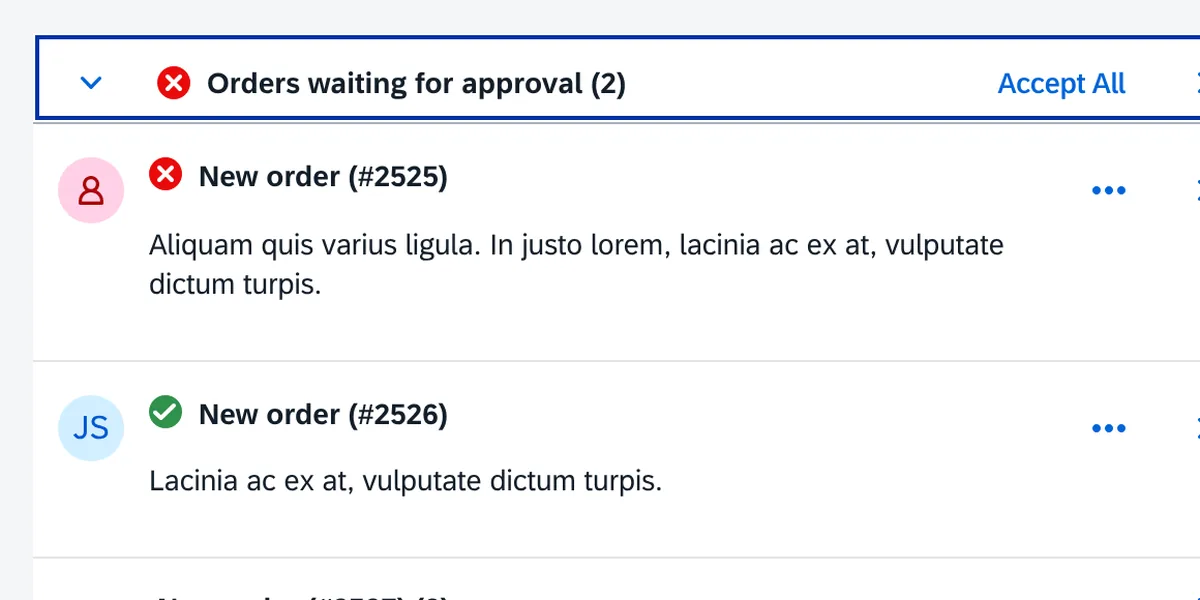
Approvals & workflows
Purchase requisitions, invoices, leave and master-data requests: approve in one click, in the launchpad, in Teams or on the phone.
See the example app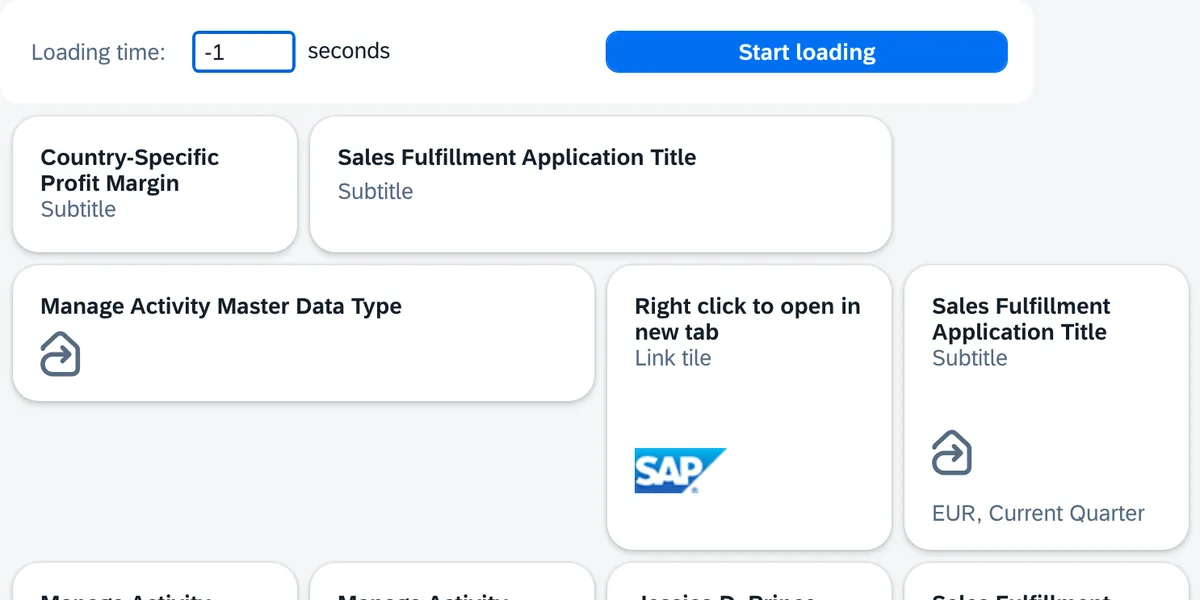
Cockpits & dashboards
KPIs, charts and monitors for one team or one process, live from SAP, without a data warehouse or a BI tool.
See the example app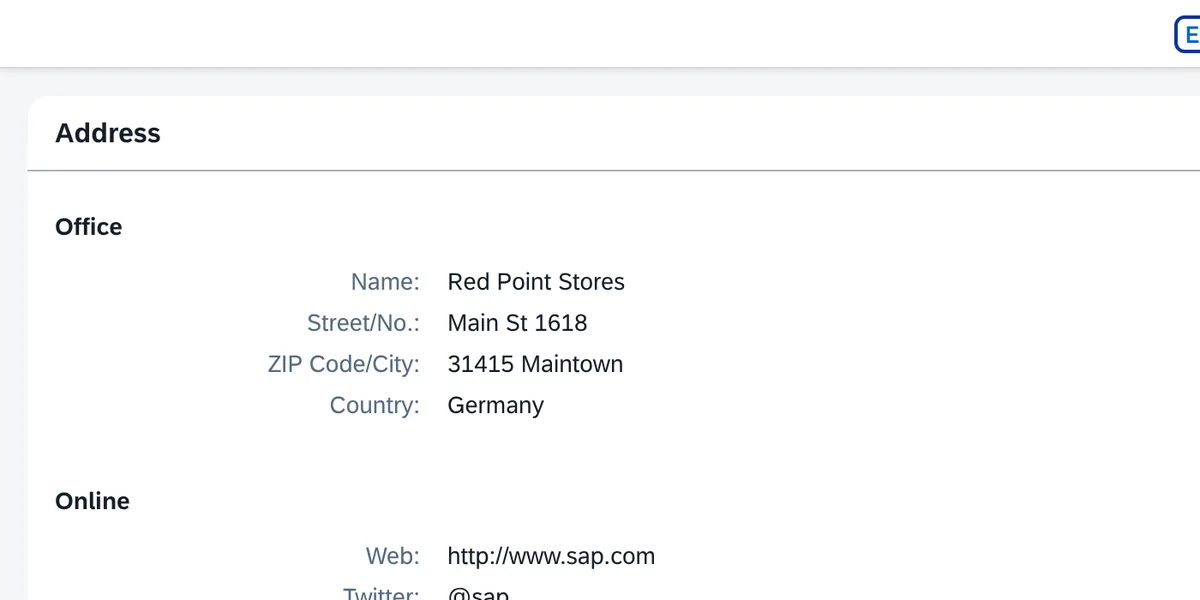
Paper & Excel replaced
Forms, checklists and spreadsheets that live outside SAP become apps that write straight into it.
See the example app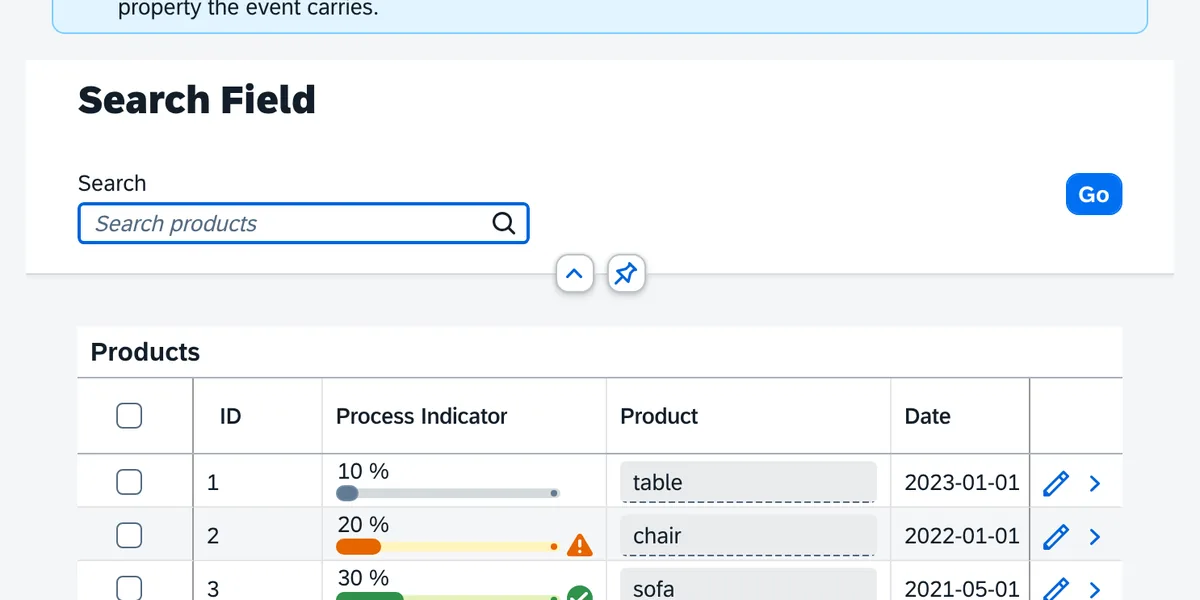
SAP GUI modernized
Reports, lists and transactions turn into browser apps one at a time, with the logic behind them unchanged.
See the example app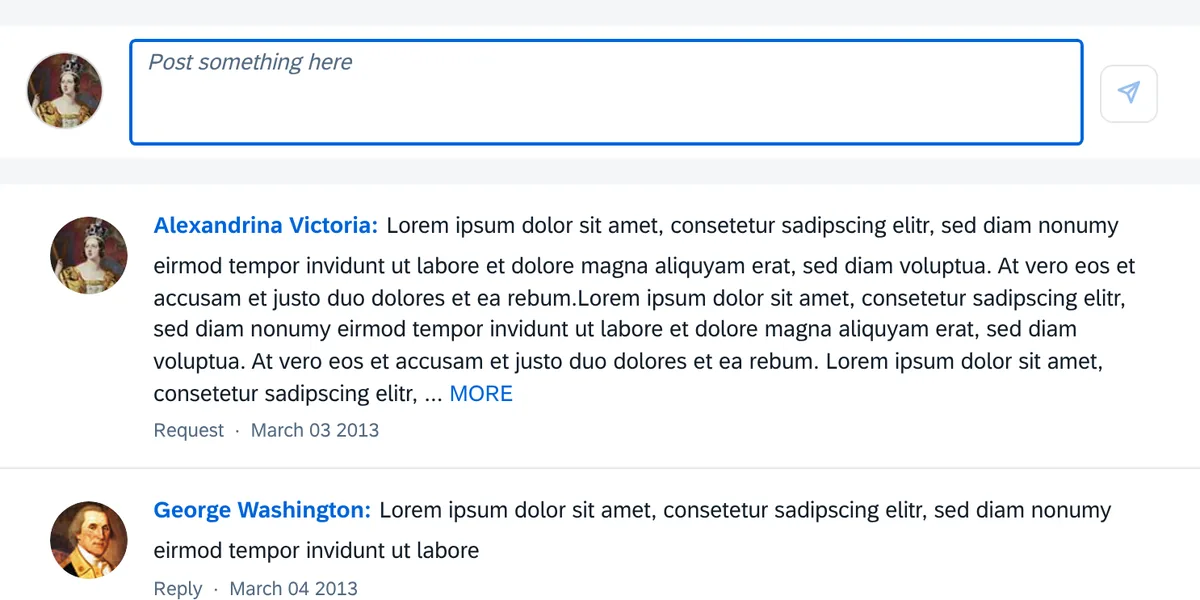
Mobile, without an app store
Every app runs on iOS and Android in the browser: nothing to install, nothing to distribute.
See the example appOne app, every device: no build per device
The same class, opened on a phone, a tablet and a desktop. It runs in the browser on iOS, Android and Windows, on rugged industrial handhelds too; nothing to install, nothing to distribute, and the layout adapts on its own.
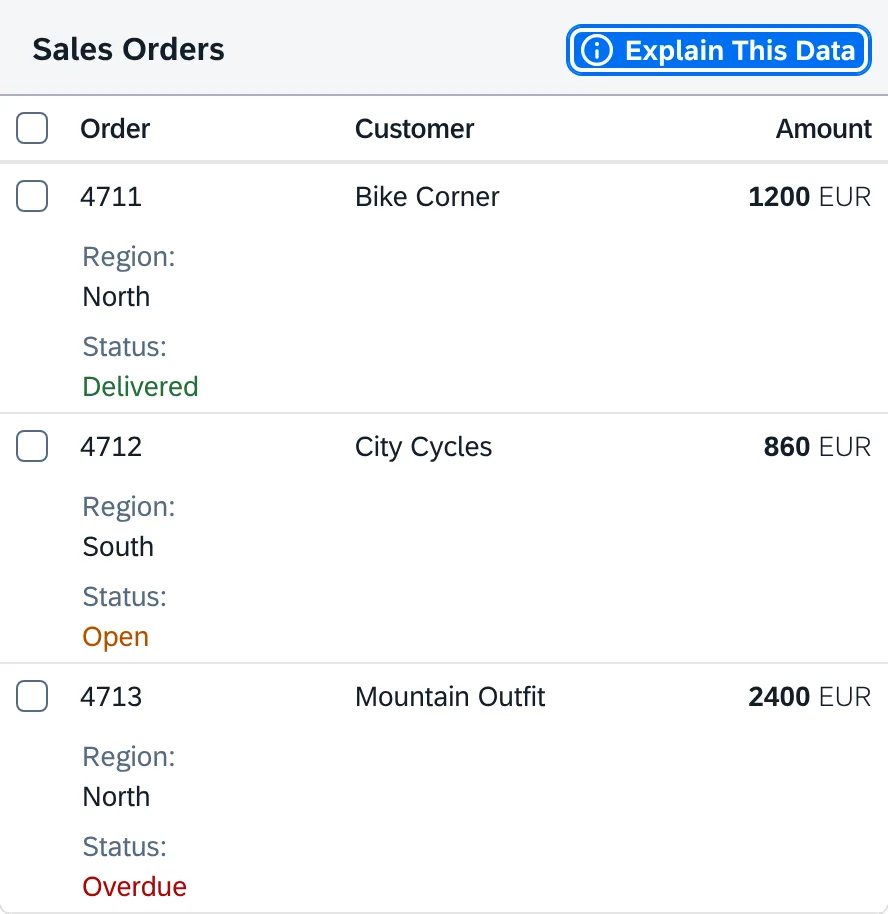
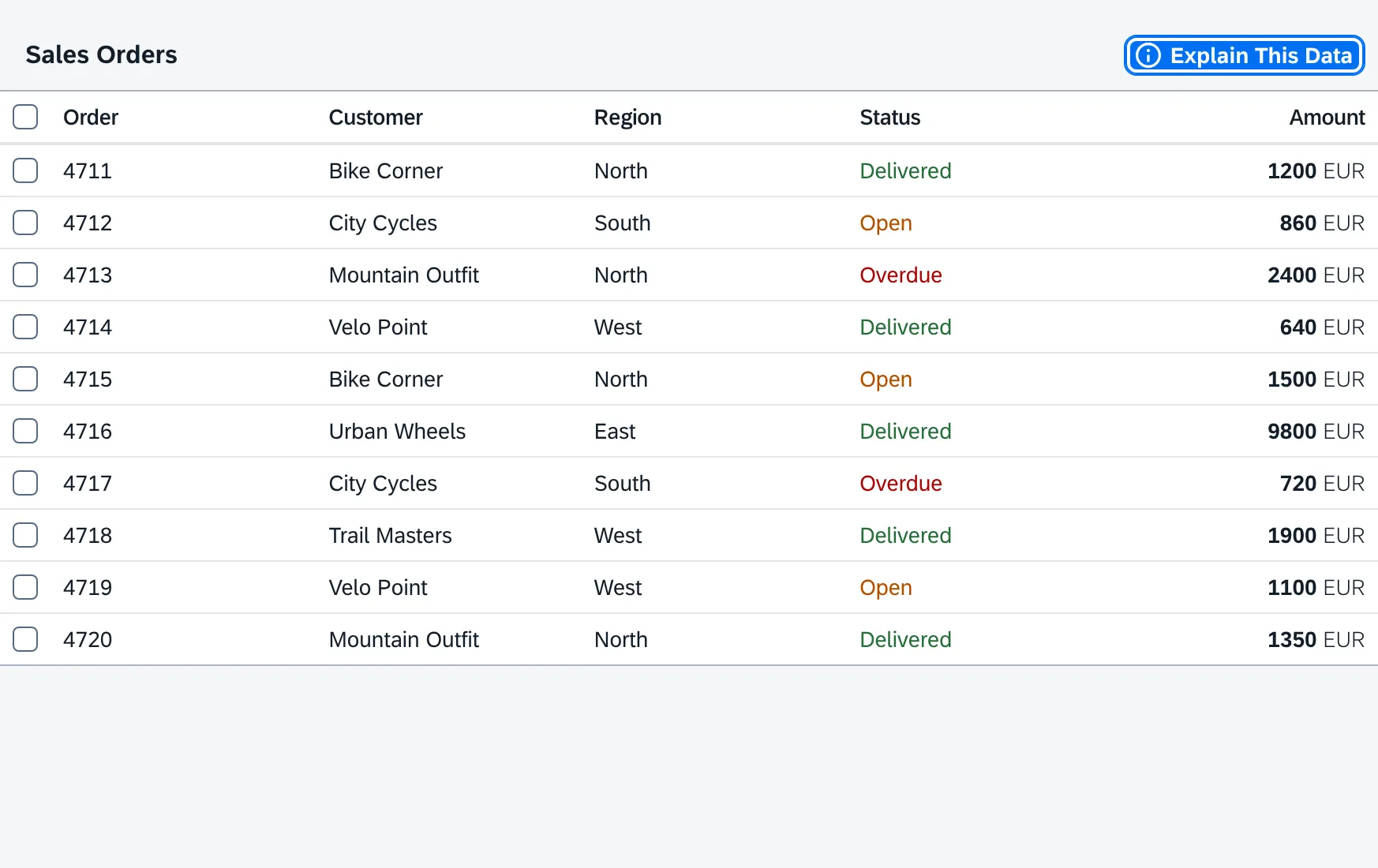
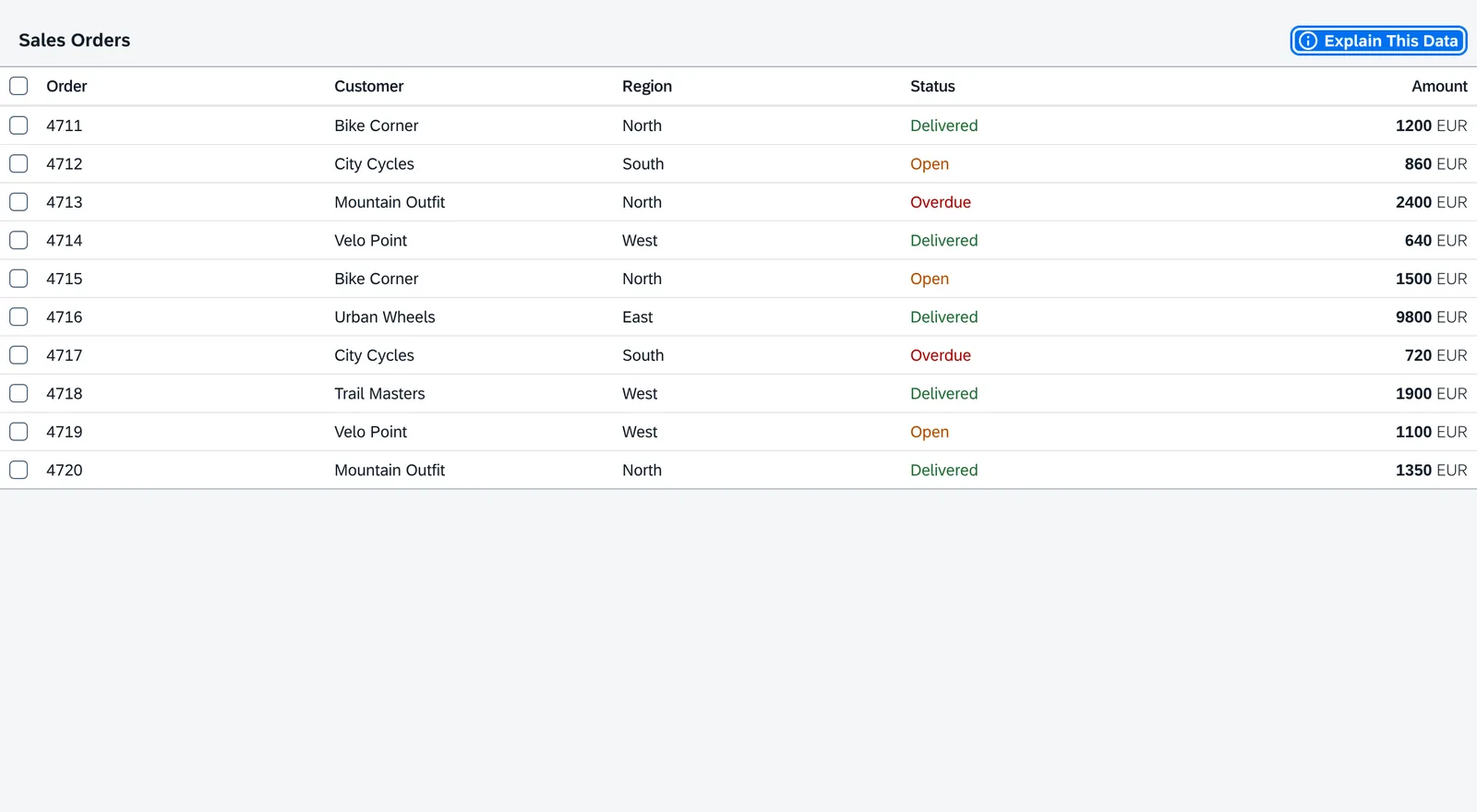
→ Browse the example apps for the screen closest to yours: 130 learning samples and 680 control examples, each running in the browser and maintained with the framework. Or read In a Nutshell for how it works.
Compared with the market
Where it is the shorter path, and where it is not
SAP's own routes and the UI5 app platforms and low-code builders sold on top of SAP, side by side. The last three rows are where abap2UI5 is not ahead.
| abap2UI5 | RAP + Fiori Elements | Freestyle UI5 + OData | Commercial UI5 & low-code platforms | |
|---|---|---|---|---|
| License cost | None: MIT, for any number of users, systems and apps | Part of the SAP license | Part of the SAP license | Subscription or per-user fees, renewed every year |
| Who builds the apps | The ABAP team you already have | ABAP plus CDS, RAP and annotation specialists | JavaScript / UI5 developers | Developers trained on the vendor's tool |
| Time to productivity | Minutes to the first screen, hours to the first app: an ABAP developer learns UI5's controls from the examples, not a new language | Weeks: CDS, RAP, annotations, Business Application Studio | Months: JavaScript, UI5 tooling, Git, npm | The vendor's training |
| Where the business logic lives | In ABAP, next to the data, as it does today | In ABAP, behind CDS and annotations | Split: JavaScript in the browser, a service in ABAP | In the vendor's tool |
| First screen | Minutes | Days: model, service, project, deployment | Days to weeks | After the platform is installed and licensed |
| Freedom of the UI | Every UI5 control, any layout | SAP's floorplans and their extension points | Every UI5 control | What the vendor's designer offers |
| Older SAP releases | NetWeaver 7.02 up to ABAP Cloud, one source | 7.5x and later | Yes, with OData effort per release | Depends on the vendor's add-on |
| Performance: what a click costs | One plain HTTP request carrying only what changed; no app code and no logic in the browser | OData calls with metadata, batch and draft handling, and the Fiori Elements runtime in the browser | OData calls and an app bundle per app, logic in the browser | The vendor's runtime in the browser |
| Extra infrastructure | None: one endpoint on your SAP system | Fiori frontend server and deployment | Frontend deployment (BSP, BTP or web server) | The vendor's add-on, server or cloud tenant |
| Lock-in | None: apps are plain ABAP classes in your system | SAP's programming model | Low | Apps live in the vendor's runtime and repository |
| Source code | Open, every line, on GitHub | Closed | UI5 open, your app yours | Closed |
| Standard transactional apps | Possible, but hand-built; the standard route is RAP | Its home ground: list report and object page from annotations | Hand-built | From the vendor's templates |
| Offline | Not built for it: an app needs its connection to SAP | Offline with extra tooling | Possible, with effort | Depends on the vendor |
| Support | Slack and GitHub issues, open to anyone at any time; more by mail, planned together. No SLA in a contract | SAP support | SAP support for UI5; your app is yours | The vendor's SLA, in the contract |
Where teams choose abap2UI5
- The team is ABAP.No JavaScript, no UI5 tooling, no training project before the S/4HANA project. An app is one class in ADT or SE80: debugged, checked by ATC, transported and unit-tested like any other, nothing a developer has not done a hundred times. What they still learn: UI5's controls, from the examples, not a new language.
- The system is older than RAP.NetWeaver 7.02 to 7.4x have no RAP and a Fiori stack that is expensive to add. An app written there moves to S/4HANA unchanged.
- The screen is yours, not SAP's.Tools, cockpits, monitors, admin consoles, anything that used to be a report or a module pool. Where a Fiori Elements template becomes the thing you fight, this is the shorter path.
- Performance where users notice it.No frontend logic, no OData, no app bundle: the browser holds one generic shell, loaded once, and every click is one plain HTTP request with the changed data only. The work runs on the ABAP stack, next to the data.
- Your Fiori apps and your logic stay.abap2UI5 apps are tiles in the same launchpad. A report, a BAPI, a function module: an app calls it as it is.
Where something else fits better
- You want the SAP standard transactional app.A list report with an object page on S/4HANA, from a released CDS model: RAP and Fiori Elements are the shorter path, and the one SAP supports.
- The app must work offline.Every click is one request to the SAP system. A device without a network is not what it is for; live data on a connected screen is.
- Your guideline mandates SAP's programming model.abap2UI5 is clean core in the technical sense, but it is not RAP. The usual outcome is a scope, not a replacement.
- Your rules need an SLA on paper.Support happens in the open: anyone can write in the Slack channel or open an issue or a pull request on GitHub, at any time, and that is where answers come fastest. If you need more than that, write to the maintainers by mail and plan it together; what is not on offer is an SLA in a contract.
→ On-Stack or Side-by-Side and One App, Many Systems are the deployment scenarios in detail.
Security and governance
The logic stays in ABAP; logon, authorizations and data stay SAP's
One ABAP class per app, the business logic in it, no generated artifacts, no tables that describe a screen. Nothing of the app runs in the browser, so there is no client logic to secure. Every rule that applies to ABAP, from code review to the four-eyes principle on transports, applies to an app unchanged.
| abap2UI5 | A tool that stores apps as configuration | |
|---|---|---|
| What an app is | An ABAP class | Entries in the tool's tables, read by its runtime |
| Where a change is made | In the development system, in the ABAP tools | Wherever the tool's designer is open, possibly production |
| How a change travels | A transport, like any class | The tool's own export, or a customizing transport |
| What happens if the tool goes away | The classes stay; they are plain ABAP in your system | The apps go with it |
- Logon is SAP'sNo user store, no token, no session of its own: a request that reaches an app has passed SAP logon.
- Authorizations are SAP'sThe authorization on the service endpoint, and the app's own checks in its code, as a transaction does them.
- Data changes are your code'sAn app posts through the same BAPIs, function modules or RAP actions as any program, so change documents and application logs apply unchanged.
- Every request can be loggedA monitor records, per request, user, app, event, timings and any error. Off until an installation switches it on.
- Clean coreReleased APIs only, passes the ABAP Cloud checks, runs on S/4HANA, BTP and NetWeaver 7.02 from one source. Modifies nothing in the standard.
No shadow IT. No click-together designer bypasses your development process: every app is a class, under the rules you already have.
→ Security, Authorization, and the security model a security review starts from.
What it costs
No license fee, now or later. The bill is your developer's time.
- MIT licensed, commercial use included
- No license key, no subscription, nothing to renew
- No per-user, per-system or per-app fee
- Runs on the ABAP stack and the UI5 version you already have
Commercial SAP app platforms charge per named user or device, monthly, often with minimum terms and setup fees. Here the one line that grows with adoption is zero.
- Nothing to sign up forThe examples run in the browser with no account. The framework is an abapGit pull; no trial period, no demo to book.
- No extra platformNo BTP subscription, no middleware, no server of its own: one service endpoint on your system.
- Free to leaveThe apps stay plain ABAP classes, and the skill your team invests in is ABAP, the one it keeps whatever the next UI technology is. A build renamed into your own namespace is one workflow run.
- Built in the openEvery issue, every release and the backlog are public on GitHub.
Where it runs
On the SAP system you already have, and nowhere else
The browser loads the standard UI5 library; the app, its logic and its data stay on your SAP system. No middleware, no extra server, no frontend deployment.
- Every SAP operating model, from one source
ABAP Cloud clean core, released APIs only: abap2UI5 passes the checks
- SAP S/4HANA Cloud Public EditionClean core is mandatory; the same class runs, no rewrite on the way up.
- SAP BTP ABAP EnvironmentThe standalone ABAP system on BTP: for apps beside the core, or as the side-by-side system below.
- S/4HANA Private Cloud and on-premise, in ABAP CloudDeveloping in the ABAP Cloud language version on a RISE or on-premise system: abap2UI5 fits the clean-core tier there too.
Standard ABAP the classic language version, every release
- SAP S/4HANA Cloud Private EditionRISE with SAP, in SAP's or a hyperscaler's data centre.
- SAP S/4HANA on-premiseIn your own data centre or at a hoster.
- SAP ECC and NetWeaver 7.02 to 7.5xWhere RAP and a Fiori stack are out of reach, and an app written today moves to S/4HANA unchanged.
- Two ways to deploy
- On-stackabap2UI5 on the system where the data and the logic live. An app calls BAPIs, function modules or RAP actions directly, as any program there does. The usual setup, one abapGit pull.
- Side-by-sideabap2UI5 on a separate ABAP system, the BTP ABAP Environment or a hub, and the apps reach the core over RFC or HTTP. For a core kept clean of custom UI, or one UI layer in front of several systems.
- Where an app appears
- Browser tab
- Fiori launchpad tile
- SAP Build Work Zone
- Microsoft Teams
- Microsoft Excel
- iOS & Android
- Inside your own UI5 app
- Without internet access
- A productive installation serves UI5 from the system itself, so nothing is loaded from outside.
What installation takes
- Pull the package with abapGit, as for any open-source ABAP
- Create one service endpoint and put an authorization on it
- Set the four production defaults: UI5 source, error details, content security policy, endpoint authorization
No job to schedule, no extra server, no schema to migrate on upgrade.
→ Productive Usage, UI5 Versions and Integration.
AI
One class is the easiest thing for an AI to write and for your team to check
Your developers describe the screen; the AI writes one ABAP class; your rules review and transport it like any other code. No service, frontend project or deployment to keep in sync.
- One app, one fileAn AI writes the whole app as one ABAP class. No service, no frontend project, no deployment to generate and keep in sync.
- In the tools your team usesPlugins for Claude Code and GitHub Copilot, skills for any agent, and an AI Studio in the browser that builds an app from a description.
- Checked before anyone looksThe abap2UI5 linter tests every class the AI writes, and the AI fixes what it broke before a developer reviews it.
No AI lock-in either. Claude, ChatGPT, Copilot or a local model, with your own key. The plugins and the AI Studio cost nothing.
→ Try the AI Studio, or read Developing with AI.
Who runs it
In production, in the open, since 2023
Two companies run it in production and say so here; one offers training and certification for it. We know of many more installations than this list shows, and the list is meant to grow. The project is public down to every change, so every figure below can be checked.
- EmineoIn productionApps for warehouse management and production, on desktop and mobile devices
- Swiss KronoIn productionApps for warehouse management, on mobile devices
- Logali GroupTrainingWebinars and certifications for abap2UI5
- Your company hereAdd a rowRunning abap2UI5? Add one row by pull request, or send it to contact@abap2UI5.org. The next reader is looking for exactly your industry.
- Since January 2023open source on GitHub, MIT licensed
- 25+ contributorsfrom several companies, every change public
- Release 1.148October 2026; a release most months, each one listed
- Every release testedon NetWeaver 7.02, Standard ABAP and ABAP Cloud, on the oldest and the newest UI5
Talks, articles and videos
- Field Service Management Mobile Logging using abap2UI5Decabase Blog
- Fiori-type Apps built 100% with ABAPLogali Group
- Featured on SAP Developer NewsYouTube
- Highlighted in the Boring Enterprise NerdletterYouTube
- Showcased at SAP TechEd 2023YouTube
- Part of the SAP Developer Code ChallengeSAP Community
13 more, 2023 to 2026
- UI5 in ABAP Cloud (without RAP or Fiori Elements)Decabase Blog
- Webinar on Launchpad IntegrationYouTube
- Webinar on creating UI5 interfaces from ABAP using abap2UI5YouTube
- Webinar on developing UI5 apps with abap2UI5YouTube
- Featured on SAP Developer NewsYouTube
- Cust&Code Videos featuring abap2UI5YouTube
- Running abap2UI5 Backend in BrowserLinkedIn
- Highlighted in the Boring Enterprise NerdcastYouTube
- Featured on SAP Developer NewsYouTube
- Join the Advent of Code 2023 with abap2UI5SAP Community
- Highlighted in the Boring Enterprise NerdletterYouTube
- Featured on SAP Developer NewsYouTube
- See abap2UI5 on ABAP Open Source Projectsdotabap.org
→ Running abap2UI5, or written about it? Add your row, or write to contact@abap2UI5.org. The figures: the repository and its releases.
Get started
One real screen, one week, your own team
No pilot budget, no vendor workshop: decide from a screen your team built, not from a slide.
- Pick one real screenOne your team has to build this quarter, not a demo.
- Build it in a development systemWith the people who will maintain it, in the tools they use today.
- Review it like any ABAPRead the class, transport it, run the code checks, check the authorizations it asks for.
- Compare and decideHold the time and the systems it needed against any alternative or vendor quote.